
Run Better Elections with Assembley
Create, manage, and run secure digital elections and votes for your organization, association, or community. Easy to use.
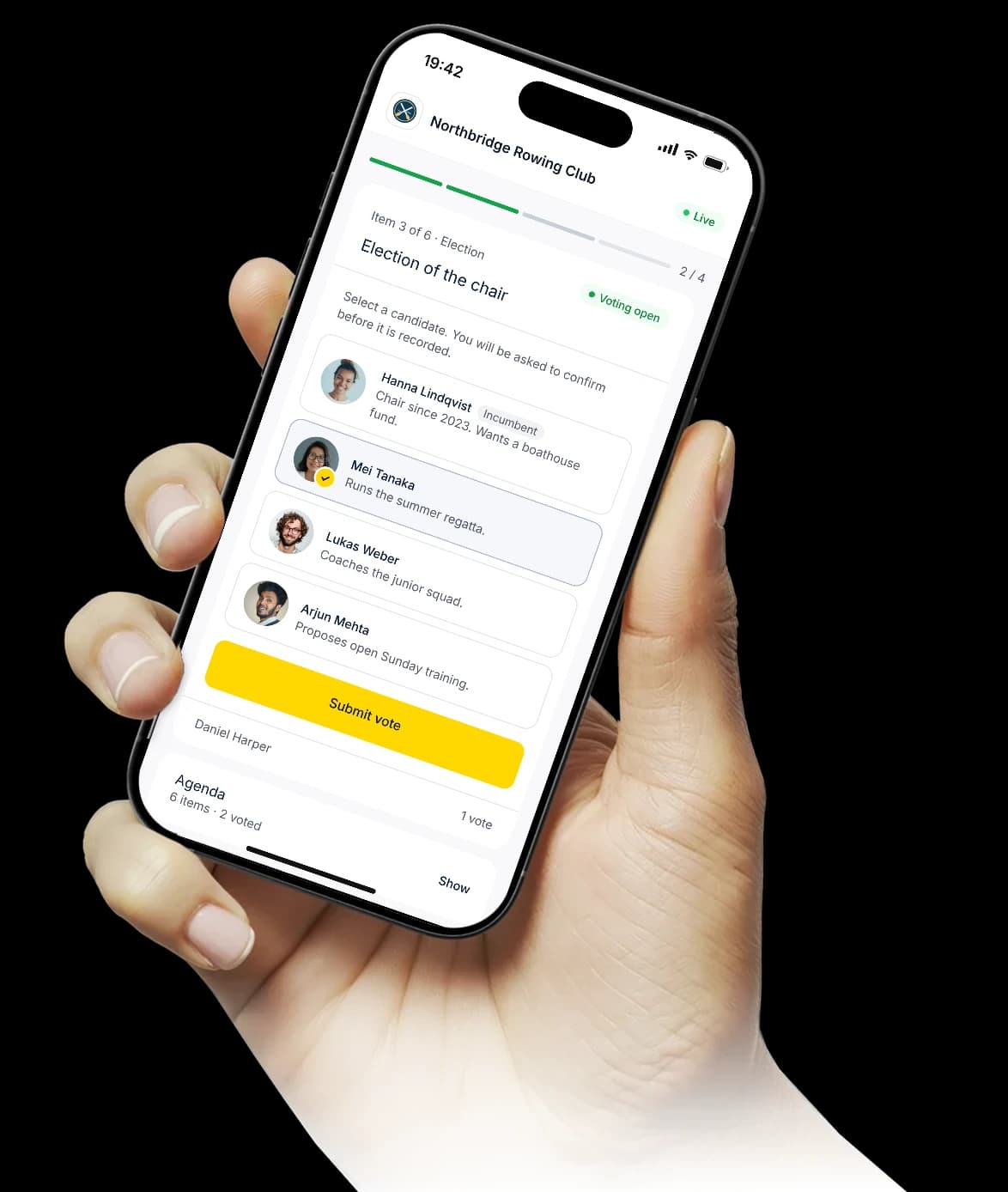
Built for associations, housing co‑ops and companies across Europe.
From agenda to decision
How an assembly happens in Assembley: one meeting, from the agenda the chair builds to the record everyone can check.
Agenda
5 items
Press the up or down arrow key on an item’s handle to move it, or drag the handle. This is an example; nothing is saved.
- Approve the annual report for 2024ResolutionSimple majority
- Approve the 2025 budget and feeResolution2/3 majority
- Choose the date of the summer regattaPollOne choice
- Buy two new coastal boatsResolutionSecret
- Elect two members to the boardElection2 seats
The Assembley platform
Everything you need to run a better assembly
Agendas, participation, voting, live meetings and verifiable outcomes, in one platform.





Before the meeting
Agendas, motions, participants and voting rules.
During the meeting
Live participation, voting and decision-making.
After the meeting
Results, records and evidence in one place.
Decide
Decide the way your statutes say
Choose the rule for each item. Assembley counts the votes by weight as soon as voting closes, and the chair declares the result.
Simple majority
Motions, accounts and budgets, decided by a majority of the votes cast.
Qualified majority
Two thirds or unanimity, set on the item and frozen when the meeting goes live. The chair declares the result.
Secret ballot
When the decision requires it, the record shows that a member voted, never how.
Board elections
Members rank the candidates, and the seats are counted by single transferable vote, round by round.
Weighted votes
Each ballot carries the votes your register gives the member, and every item is counted by weight.
Proxies
The organisation registers each proxy, or lets members appoint their own, and the holder casts every vote they carry from one link.
For organisations where decisions matter
Associations & federations
Member votes, elections and resolutions
Homeowner associations
Quorum tracking and weighted owner votes
Unions
Secret ballots members can verify
Companies
Shareholder meetings, counted by capital
Education
Student council and faculty elections
Professional organisations
Board elections and AGMs
Any other organisation
Any vote that needs a record
What do voters need to participate?
Voters need only an email address and a device with a web browser. There is no app to download, no account to create, and no password to remember. Each voter receives a unique, single-use ballot link by email. The link opens their ballot, and in an invited meeting they also enter the meeting code the chair shows during the meeting.
Each link works once and expires 24 hours after the scheduled meeting time, or 7 days after sending if no time is set. Every invitation email includes a short “How to vote” section for voters who are less at home with technology.
Can we run a hybrid assembly, with some voters in person and some voting digitally?
Yes. Assembley supports hybrid assemblies. Voters attending in person can either vote on their own devices using the same ballot link, or you can designate an administrator to cast their vote on their behalf with a recorded authorisation. Quorum counting works across both groups. The evidence package records the voting method for each participant.
How does secret ballot voting work?
Assembley supports secret ballots at the agenda item level: you configure each item as open (results visible with voter names) or secret (results visible, with no voter identity on any vote). In secret ballot mode, the system records that each voter cast a vote for quorum and audit purposes, but does not store the choice in a way that is attributable to them in the results view. The identifier that ties a ballot to a voter is derived in the voter's own browser from a secret that never leaves their device, so the secret needed to reconstruct who voted how is never sent to us.
Standard (non-secret) items keep the full attributed vote log. The evidence package for secret ballot items confirms participation counts and aggregate results without revealing individual choices. With a secret ballot, the administrator sees the totals, never an individual ballot.
How do we handle proxy voting?
Proxies are managed in the Proxies tab of each assembly. You record each proxy: the member giving it, the member holding it, and a note. The holder opens their own link once and casts their own ballot and one for each member they represent.
The evidence package lists each proxy relationship. Assembley enforces proxy limits where configured, for example by restricting a single person from holding proxies for more than a defined number of members.
What is in the evidence package and how do I get it?
The evidence package is available immediately after an assembly closes. It can be downloaded as a structured JSON file (for technical verification) or as a formatted PDF (for legal and board use). The package contains:
- Full participant list with authentication records and verification timestamps
- For standard items, a complete vote log: who voted, what they voted, when, from which IP address. For secret-ballot items the log records that a voter participated, never their choice; the package instead publishes the aggregate result, the set of ballot identifiers, and the Merkle root
- Quorum calculation against the figure you configured
- Per-item results with vote counts, share-weighted totals, and percentage
- SHA-256 hash chain linking every event in sequence
- Merkle root per agenda item for independent vote-set verification